WPBakery is a popular page builder plugin and is usually bundled with premium themes that are sold through ThemeForest.
You may also see WPBakery referred as Visual Composer, because they are initially built by the same team. But, there are important differences, which you can read in this detailed Visual Composer vs WPBakery comparison.
Quick Background to the Issue
About a decade ago, most of the agencies and web designers used to purchase these themes that fit the customer’s business field and specific requirements and quickly changed the text and images by importing the demo content provided.
Most of these agencies installed the same theme on client websites over and over again, without activation, to avoid license costs per website and maximize their profits.
During then, it didn’t cause any issues because WordPress core, bundled WPBakery plugin, and PHP version were all compatible with each other.
As the time passed, clients that didn’t maintain their websites started having issues.
Some faced White Screen of Death (critical error or fatal error), some sites get hacked due to vulnerabilities of the older WPBakery, and some had layout or even invisible content issues.
Why Invisible Content Issue Happens
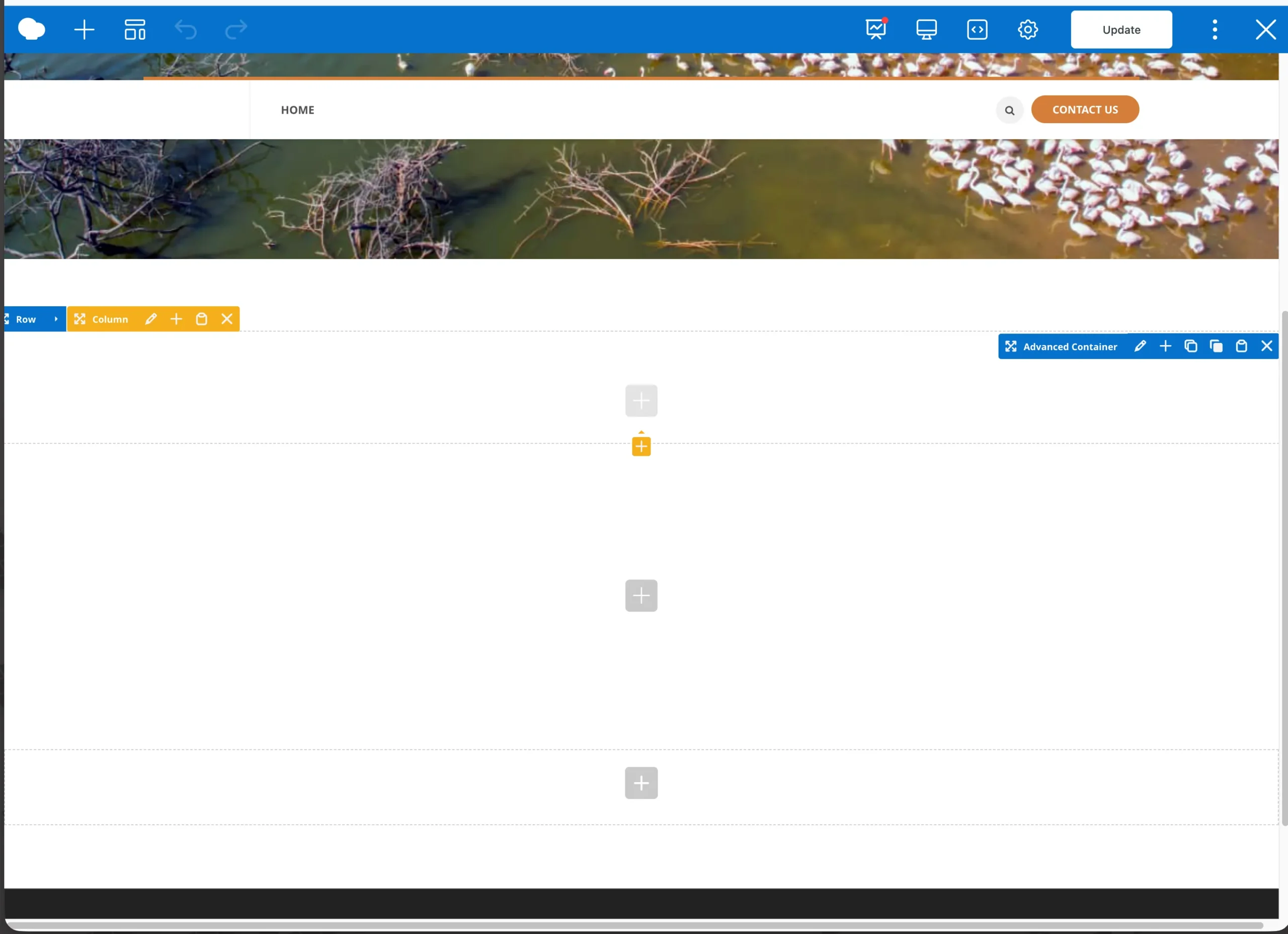
In a recent case, where a client of mine requested help with their WordPress website built with a legacy theme and WPBakery, invisible content was due to a lack of bundled plugins that came with the theme.
But, it can happen due to multiple reasons:
- Use of old version of WPBakery with latest WordPress Core and PHP 8.x
- Insufficient WordPress memory (some WordPress websites still try to run on 32MB memory or less, which was OK a decade ago)
- Suppressed errors via
WP_DEBUGbeing setfalseby default inwp-config.php - Lack of required plugins by your theme (Most theme developers used to bundle multiple plugins that help end users customize their websites)
- Other plugin conflicts or PHP compatibility issues
Solutions I Tried to Fix the Invisible Content Issue
Initially, I enabled WP_DEBUG in wp-config.php and checked whether any errors are displayed or logged due to WordPress core, PHP version, theme, and WPBakery plugin version. No, errors were logged or displayed. Changed WP_DEBUG to back to false.
Next, I noticed that the PHP memory was set to 256MB, which can be low if there are multiple plugins loaded. Increasing the memory to 1024MB didn’t make solve the problem.
Next, tried to update all outdated plugins and the theme. Unfortunately, as the theme wasn’t activated, it was impossible to update it as well as the bundled WPBakery plugin. Informed the customer and moved to the next solution attempt.
Tried to create a brand new page and added a basic text content widget with lorem ipsum text. Still, it was completely blank when I published and also in the WPBakery’s Frontend Editor. But this gave me an idea that the issue was related to frontend rendering.
Next, installed Classic Editor plugin and switched the WPBakery’s Backend Editor to Classic mode to check the actual shortcodes generated by the WPBakery editor.
Found out that the theme was injecting shortcodes such as [swmsc_font] and [swmsc_section] from the NPO Sites Shortcodes plugin, already installed previously on the website as a part of their theme plugin bundle.
An example WPBakery code block was as follows and these were appearing completely blank for some reason even though NPO Sites Shortcodes plugin was registering these shortcodes and they were valid.
[swmsc_font weight="{{weight}}" size="{{size}}" color="{{color}}" line_height="{{line_height}}"] {{content}} [/swmsc_font]How I Found The Culprit
In the previous step, I was suspecting the shortcodes that appeared blank in the frontend, but there weren’t any errors being logged.
This made me think that probably the shortcodes were actually never got registered. So, I had to read through the NPO Sites Shortcodes plugin and check the theme requirements.
Finally, found out that all shortcodes were gated by the following if check:
if (function_exists('rwmb_meta')) {
    require_once( SWMSC_PLUGIN_DIR .'/shortcodes/shortcodes.php' );
}The rmwb_meta function wasn’t a part of the theme or the NPO Sites Shortcodes plugin.
A quick Google search and AI Tool check revelated that this was part of the Meta Box plugin, which turned out to be one of the required plugins of the theme (but never mentioned in the docs)
Installing and activating the Meta Box plugin solved the issue. All the existing content became visible on the frontend.
It appears that either the site owner or one of the previous developers has accidentally removed that plugin.
Since there were no backups available, and no clear documentation of the decade-old theme, I had no other option to dig deeper into the codebase to find out the underlying problem.
Key Takeaway
When the obvious solutions don’t fix the issue, you have to think out of the box and look for small clues that lead you to the resolution.
Working with unmaintained old WordPress websites usually appear to be the most challenging ones compared to the newer ones.
If you have a similar issue that you can’t solve, our one-off fix plan can help. Feel free to contact us for a free site check-up.