What’s the Difference?
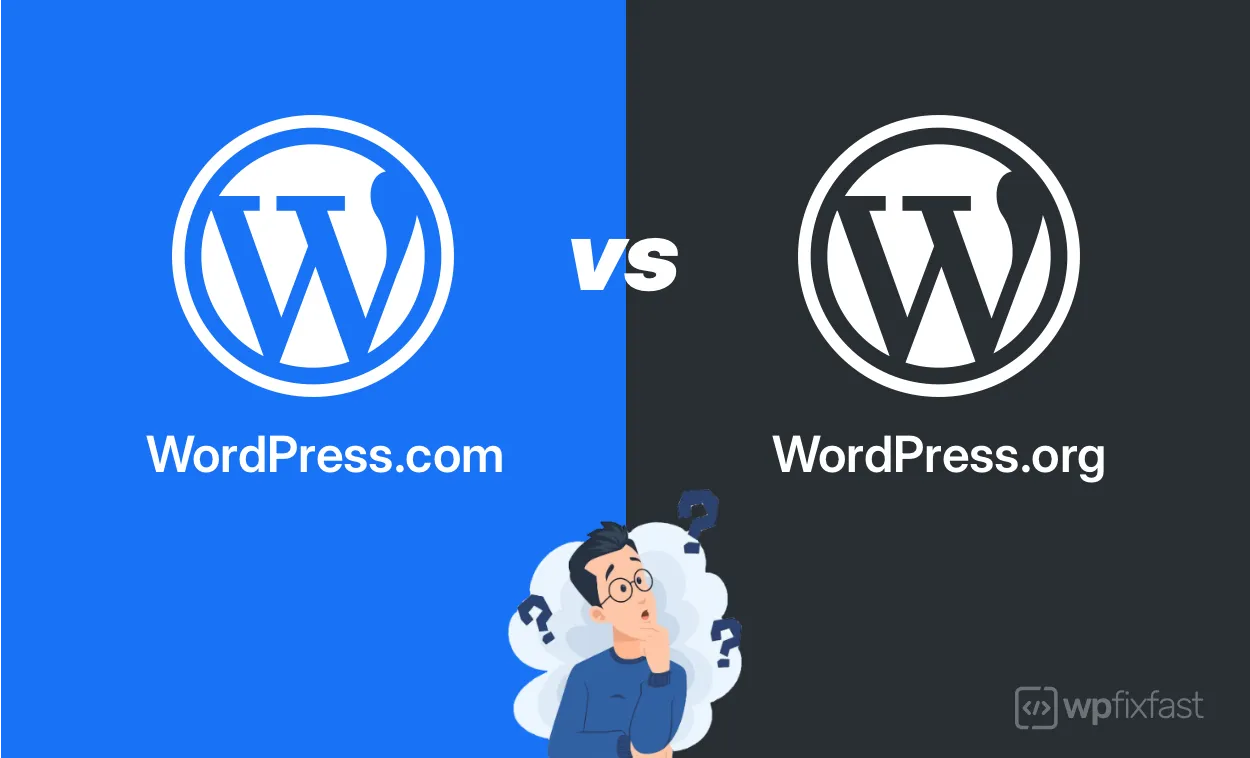
Both WordPress.com and WordPress.org use the same core WordPress software for content creation, but they work in completely different ways.
One is like renting a furnished apartment where everything is managed for you but you’re limited by house rules.
The other is like owning your own house where you have complete freedom but full responsibility for maintenance.
Don’t Make This Mistake
Without properly understanding the WordPress com vs org differences, you will probably face expensive WordPress migrations once you outgrow the .com platform.
Here’s why:
Many beginners start with WordPress.com simply because they don’t know WordPress.org exists, or they discover it at a later stage.
Having migrated over 100 WordPress sites between these platforms since 2018, including e-commerce stores, personal and corporate websites, I consistently see that this confusion is incredibly common and totally understandable.
This guide will help you clearly understand the main differences between a WordPress com site and a self hosted WordPress org site, and make the right choice from the start, so you don’t end up migrating your entire website later.
What Is WordPress.com?
WordPress.com is a hosted platform managed by Automattic (the company behind WordPress). When you sign up, you get a complete website solution without worrying about hosting, security, or technical maintenance.
The platform provides managed hosting for updates, security, and backups, ensuring a hassle-free experience.
Think of it as an all-in-one package.
You create your account, pick a design, and start publishing content. The platform handles server management, security updates, backups, and performance optimization automatically.
WordPress.com users also have access to support staff for resolving issues, unlike WordPress.org users who must rely on forums or their hosting provider for help.

Key WordPress.com Features:
- Free account available for creating websites
- Automatic hosting and maintenance included
- Built-in security and daily backups
- 24/7 customer support on paid plans
- No need to find separate web hosting
- Free domain name included with annual plans
- Allows plugins only with Business or eCommerce plan
The free plan gives you basic features with WordPress.com branding on your site. Paid plans unlock custom domains, premium themes, and advanced features like e-commerce capabilities.
WordPress.com is most well known as the free website publishing solution, which becomes very expensive if you want to do anything custom.
The free website that you get with the free version includes the domain name of the platform within your domain name.
For example, if you want to name your website “MyBusiness,” your actual web address would be mybusiness.wordpress.com rather than mybusiness.com.
This subdomain structure hurts brand credibility and SEO, which is why most businesses upgrade to paid plans for custom domains.
What Is WordPress.org?
WordPress.org is where you can download the free, open-source WordPress software maintained by the WordPress Foundation.
Users must independently find a web hosting provider and install the free software themselves, either manually or using automated tools available through their own hosting control panel.
This self-hosted WordPress approach gives you complete control over your website’s functionality, design, and data. However, it requires users to independently find a hosting provider to run their website.
With WordPress.org, you must handle maintenance, updates, and backups yourself, which requires some technical knowledge or external support.
You’re responsible for finding a proper website hosting service, installing WordPress, and maintaining your site, which includes updating WordPress themes and plugins, implementing security hardening measures, and managing regular backups.
In return, you get unlimited customization options, true ownership of your website, and access to expert WordPress support whenever you need help.
Key WordPress.org Benefits:
- Install unlimited plugins and themes
- Complete customization freedom
- Full ownership of your website and data
- No platform restrictions on monetization
- Choose any hosting provider and hosting plan you prefer
With WordPress.org, you have the same software that powers approximately 42.8–43.5% of all websites worldwide as of early 2026 (Source: W3Techs, WPZOOM).
The official plugin directory now lists over 70,000 plugins, with new submissions nearly doubling in 2025 alone.
Here are some other impressive statistics:
- WordPress Version 6 is currently running on 91.5% of all WordPress sites WordPress, making it by far the dominant active version
- WooCommerce, built on WordPress, powers 20.2% of all WordPress sites (a strong signal of its e-commerce dominance)
- Major brands including Microsoft, eBay, Walmart, Mozilla, and MIT all use WordPress on parts of their web presence
What’s New in WordPress 7.0 (April 2026)
WordPress 7.0 marks the launch of Phase 3 of the Gutenberg project, with a focus on collaboration and team workflows. Key additions include:
- Real-time co-editing, letting multiple users edit posts and pages simultaneously, alongside visual revision comparisons between page versions
- A new Web Client AI API, a central hub that lets plugins and themes connect to AI models directly within the WordPress dashboard, enabling content generation and admin task automation without leaving the site
- A new Connectors UI page under Settings, giving users a central place to manage external AI service connections
- A minimum PHP version increase to 7.4, with PHP 8.3+ recommended for best performance
- A modernized admin interface with a new default theme
Note: These features apply to WordPress.org (self-hosted). WordPress.com users on managed plans will receive updates automatically, but advanced features like the AI API require plugin support.
Is WordPress.com and WordPress.org the Same Company?
WordPress.com and WordPress.org are not the same company.
WordPress.org is managed by the WordPress Foundation, a non-profit organization that maintains the free, open source software.
WordPress.com is a commercial hosting service owned by Automattic, a for-profit company.
While both use the same core WordPress software and share the same co-founder (Matt Mullenweg), they operate as separate entities with different business models.
If you’re interested in how WordPress makes money, check out this post by FourWeekMBA.

WordPress.com vs WordPress.org: Feature Comparison
|
Feature |
WordPress.com |
WordPress.org |
|---|---|---|
|
Hosting |
Included in all plans |
Requires third party hosting service |
|
Plugins |
Limited to Business plan+ |
Unlimited plugin access as well as custom plugins |
|
Themes |
Curated selection |
50,000+ free themes + premium themes. Need help with WordPress themes? |
|
Customization |
Restricted on lower plans |
Complete customization control |
|
Monetization |
Limited until Business plan |
No restrictions. Site owners can sell ad space. |
|
Storage |
Plan-dependent limits |
Unlimited depending on your hosting provider |
|
Support |
Direct platform support |
Community + hosting support |
|
Monthly Cost |
$4-$45 all-inclusive |
$5-$25 hosting + optional extras |
|
Ownership |
You own the content, but WordPress.com controls the platform |
You own website fully including content, code, and hosting service |
Platform Control and Ownership
The biggest difference between these platforms is who controls your website.
With WordPress.com, you’re essentially renting space on their servers. Your website exists within their system, and you must follow their terms of service. If WordPress.com changes their rules or shuts down (unlikely but possible), your website is affected.
When you choose WordPress.com, you are choosing not only your website’s content management system (CMS) but your host as well.
WordPress.org gives you complete ownership. You control the hosting environment, all website files, and can move your site anywhere at any time. Your website is truly yours.

Customization: Limited vs Unlimited
WordPress.com restricts customization significantly on their free and lower-tier plans. You cannot install plugins or upload custom themes until you reach their Business plan at $25/month.
Even then, some advanced modifications remain blocked.
WordPress.org offers unlimited customization from day one. You can install any of the 70,000+ available plugins, use any theme (free or premium), or hire developers to create custom functionality with custom plugins.
Whether you’re building a membership site, online store, or need specific business features, WordPress.org can handle any requirement.
Monetization Options
WordPress.com limits how you can make money from your website. Lower-tier plans prohibit Google AdSense, affiliate marketing, and third-party advertising. You can only monetize through their WordAds program, which pays less than other ad networks.
WordPress.org has zero monetization restrictions. You can run any ad network, integrate affiliate links, sell products, accept donations, or create membership websites. This freedom makes self hosted site the clear choice for businesses serious about generating revenue online.
E-commerce Capabilities
WordPress.com E-commerce: WordPress.com offers a dedicated Commerce plan for $45/month that includes built-in ecommerce features, payment processing in 60+ countries, and shipping integrations. It’s a turnkey solution for online stores that provides eCommerce tools and optimized WooCommerce experience.
WordPress.org E-commerce: WordPress.org lets you build powerful an ecommerce site using WooCommerce or any other e-commerce plugins. You get advanced inventory management, custom payment gateways to accept payments, flexible shipping options, and complete design control.
Cost Analysis
WordPress.com Plans:
- Free Plan: $0 (You get a free WordPress but WordPress.com uses your site to display their ads and promote their brand in exchange for the free hosting)
- Personal Plan: $4/month (custom domain, no ads)
- Premium Plan: $8/month (advanced design tools)
- Business Plan: $25/month (plugin access)
- Commerce Plan: $45/month (full ecommerce store features)
(Source: WordPress.com Pricing)
WordPress.org Costs:
- WordPress software: Free
- Web hosting: $5-$25/month
- Domain name: $10-$15/year
- Premium plugins/themes: Optional, varies by needs. Can be purchased through Envato Market.
For basic WordPress sites, WordPress.com might cost less initially. However, businesses requiring advanced features often find WordPress.org more economical long-term.
A growing business needing e-commerce, SEO tools, and custom functionality would pay $540/year for WordPress.com Commerce, while achieving the same on WordPress.org typically costs $100-$300/year.
WordPress.com has a structured pricing model with various tiers, while WordPress.org is primarily free but requires hosting costs, as well as maintenance costs if you subscribe for WordPress support plans provided by a WordPress support agency.
Real-World Examples
Sarah’s Photography Business (WordPress.com Success)
Sarah needed a simple portfolio to showcase her wedding photography.
She wasn’t technical and wanted to focus on her business, not website maintenance.
WordPress.com’s Premium plan at $8/month gave her a beautiful portfolio, custom domain, and built-in contact forms. The automatic backups and security meant she never worried about technical issues.
Mike’s Marketing Agency (WordPress.org Growth)
Mike started a digital marketing agency needing client portals, custom project management integration, and advanced SEO tools.
He chose WordPress.org with managed hosting from his preferred hosting company for $20/month.
As his agency grew, he easily added new functionality, custom themes, and third-party integrations that would be impossible on WordPress.com.
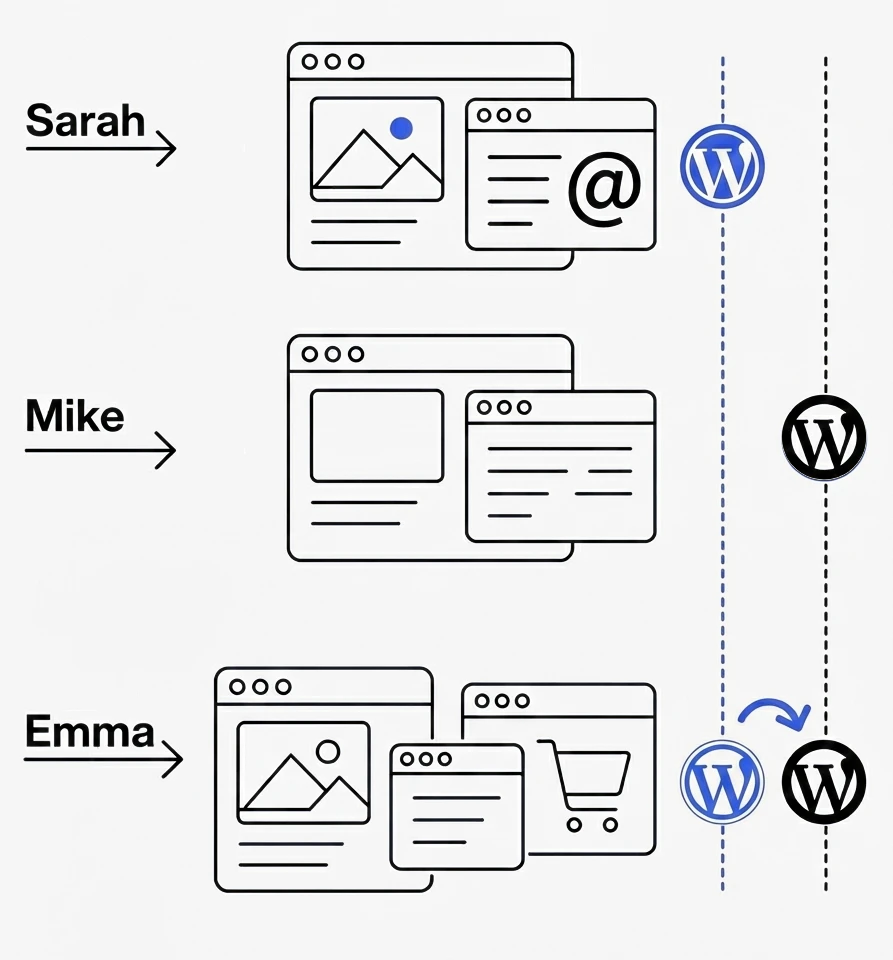
Emma’s E-commerce Store (WordPress.com to WordPress.org Migration)
Emma launched her handmade jewelry business on WordPress.com’s free plan, attracted by the zero upfront cost and simple setup.
After six months of growth, she hit multiple walls. Her site couldn’t integrate with inventory management systems, had limited payment options, and the WordPress.com branding looked unprofessional.
She discovered that essential e-commerce features required WordPress.com’s Business plan at $25/month, which is way more than premium WordPress hosting cost.
Emma migrated to a self hosted WordPress org site, but the process took three weeks and cost $800 in developer fees. (WordPress developers on Upwork typically charge $15 to $40+ per hour.)
She had to rebuild customizations and manually redirect URLs to maintain SEO rankings.
However, six months later, Emma’s business flourished with advanced inventory management, abandoned cart recovery, and customer review systems that increased conversions by 40%.
Her WordPress.org costs were $180/year compared to $300/year for WordPress.com Business, while offering significantly more functionality.
Common Reasons for Platform Migration
According to WPBeginner’s analysis of WordPress.com to WordPress.org conversions, the most frequently cited reasons include:
- Limited plugin access (only available on Business plan and higher)
- Monetization restrictions on lower-tier plans
- Theme customization limitations
- Branding concerns with subdomain structure
- Need for greater control over advertising and affiliate programs
Technical Considerations
Hosting Control:
WordPress.org lets you choose hosting companies based on performance, support quality, and other specific features. When choosing WordPress org hosting, prioritize managed WordPress hosting over basic shared hosting.
Many hosting providers now offer managed WordPress hosting that combines convenience with control, as well as a dedicated support team, while providing automatic WordPress updates, daily backups, staging environments, and built-in security features.
Updates and Maintenance:
With a self hosted WordPress.org site, you must handle software updates and maintenance. While this requires some technical knowledge, it ensures you control when and how updates happen. WordPress.com handles all updates automatically, which is convenient but removes your control.
Security:
WordPress.org sites need security measures like firewalls, malware scanning, and SSL certificates. Many hosting providers include these features or integrate with security plugins. WordPress.com includes security as part of their managed service.
External Services:
If you’re using WordPress.com, you cannot use external services such as Google Analytics or AdSense, but you can apply for their proprietary ad system and use Jetpack stats. Unless, of course, you upgrade to a higher plan (Premium and Business include Google Analytics).
PHP Support:
WordPress 7.0 drops support for PHP 7.2 and 7.3. If you’re on WordPress.org, ensure your hosting environment runs at least PHP 7.4, with PHP 8.3 or higher recommended for the best performance and security. WordPress.com handles this automatically.
Making the Final Decision
Based on my 7+ years of experience helping businesses transition between WordPress platforms, here’s my honest recommendation.
Choose WordPress.com if:
- You want minimal technical involvement and hosting setup
- You prefer predictable, all-inclusive pricing
- You need built-in support and don’t want to manage hosting
- Your website needs are straightforward (blog, portfolio, landing page, or a simple business site)
- You want to start quickly without learning technical details about the setup process
Choose WordPress.org if:
- You want complete control and ownership of your website
- You want to choose your hosting company
- You need unlimited freedom and advanced customization options
- You plan to monetize extensively or need custom e-commerce functionality
- You want cost efficiency as your site grows
- You’re comfortable with basic technical tasks or can hire help
If you’re building a simple WordPress blog, portfolio, or small business website and don’t want to deal with technical aspects, WordPress.com is perfectly fine. The Premium plan at $8/month covers most small business needs.
However, if you have any growth ambitions, plan to monetize your site, or might need complex functionality later such as building membership sites, start with WordPress.org.
The initial learning curve pays off quickly, and you’ll avoid expensive WordPress migrations later.
Most businesses eventually outgrow WordPress.com’s limitations. Starting with WordPress.org gives you room and freedom to grow without platform restrictions.
The choice ultimately depends on your technical comfort level, budget, and long-term goals. Both platforms can create successful websites, but they serve different audiences and use cases.
You can always upgrade from WordPress.com to WordPress.org later, but it requires migrating your entire site.
Choose the platform that matches not just your current needs, but where you want to be in two years.
Disclaimer: This article provides general information about website platforms for educational purposes. Specific business decisions should consider your unique circumstances. The information presented is based on publicly available data and may change as platforms evolve. Always consult current official documentation before making platform decisions.