

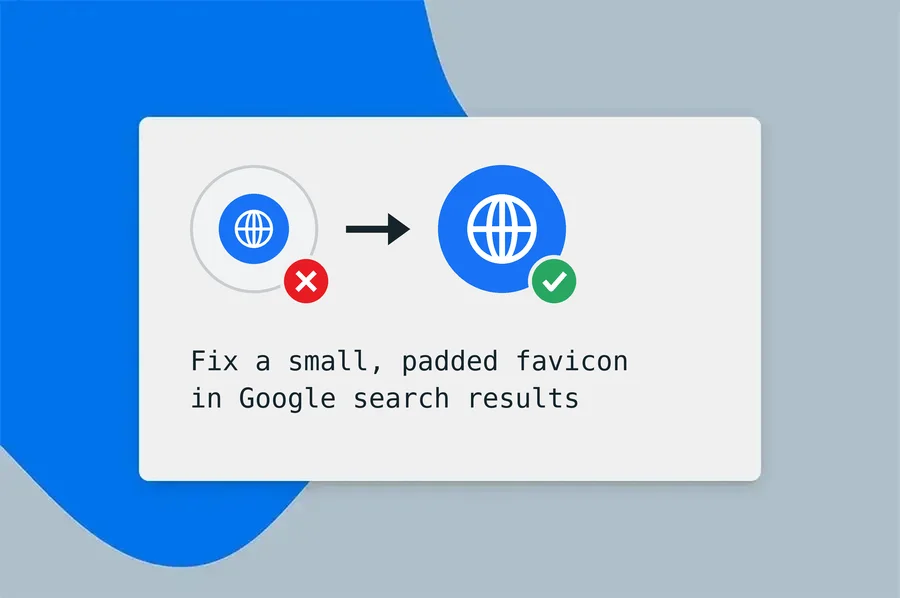
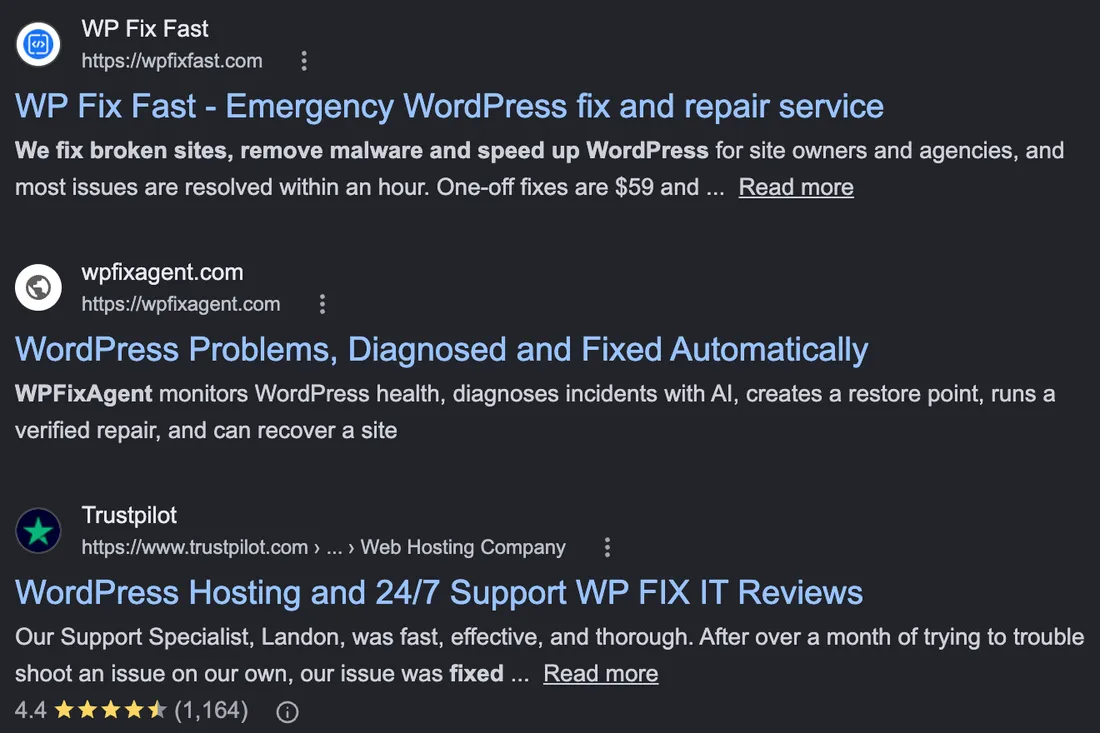
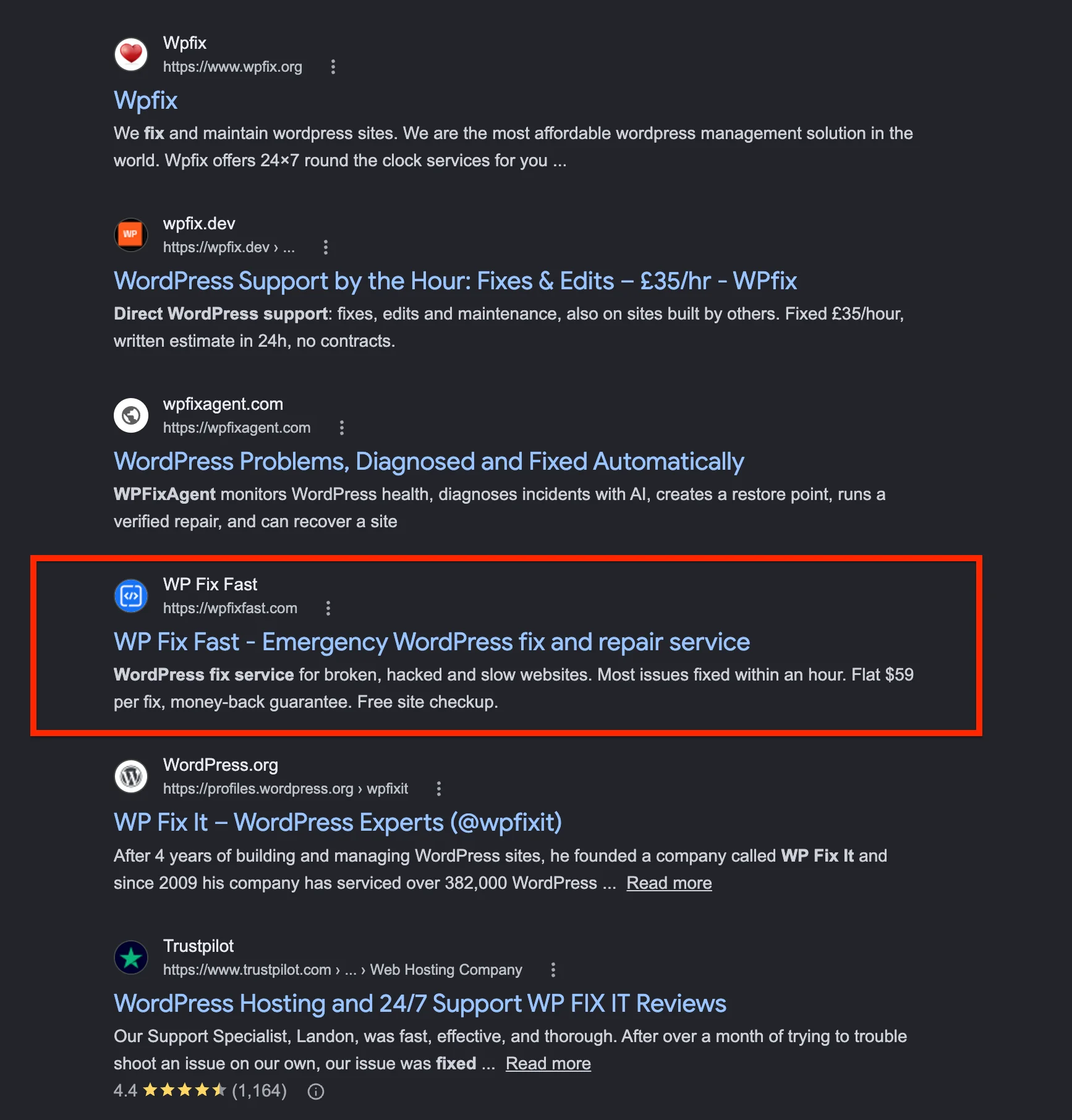
A few weeks ago I noticed something odd about our own search results. Facebook’s and Trustpilot’s icons filled their circles in Google, while ours looked noticeably smaller, as if it had padding around it. The icon was a square 512×512 site icon with no white space around it, so the image itself wasn’t the problem.
The problem was which version of the image WordPress was telling Google to use. Here’s how I tracked it down and fixed it, plus the other common causes worth checking.
What Google needs from a favicon
Google’s requirements are simpler than most people think. According to Google’s favicon guidelines, a favicon must be square (1:1 aspect ratio) and at least 8x8px, and Google recommends using one larger than 48x48px.
Two other rules matter here. Google Search only supports one favicon per site, where a site is defined by the hostname, and Google finds it through a <link rel="icon"> tag in the head of your home page. So the icon Google shows is whichever one your home page points to, at whatever size it points to.
You may still see the older rule that a favicon must be a multiple of 48px square (48x48px, 96x96px, 144x144px and so on). Google later updated its guidelines to match its actual requirements.
How WordPress outputs your site icon
When you set a Site Icon (in Settings › General, the Customizer or the Site Editor), WordPress prints several icon tags in your page’s head: a small icon labelled 32×32, a larger one labelled 192×192, an apple-touch-icon and a Windows tile image.
These are the icon tags our home page printed before the fix:
<link rel="icon" href="https://example.com/wp-content/uploads/2026/11/favicon-150x150.png" sizes="32x32" />
<link rel="icon" href="https://example.com/wp-content/uploads/2026/11/favicon-300x300.png" sizes="192x192" />
<link rel="apple-touch-icon" href="https://example.com/wp-content/uploads/2026/11/favicon-300x300.png" />Look at the file names. The tag labelled sizes="32x32" pointed to a 150px file, and the one labelled 192×192 pointed to a 300px file. This happens when WordPress didn’t generate its dedicated site icon sizes, for example when the crop step is skipped.
WordPress then falls back to the next larger image sizes it has, here the 150px thumbnail and the 300px medium size, but keeps the standard 32 and 192 labels. This is a declared size mismatch: the sizes attribute promises one size, and the file delivers another.
The search results pointed the same way. When I downloaded our icon straight from the results page, Google was serving it as a 32×32 file, matching the smallest size our tags declared, while Facebook’s and Trustpilot’s icons were 28×28 files that filled their circles.
We’re not the only ones affected. A WordPress core ticket reports the same symptom: the icon looks very small in Google search because the default sizes don’t follow Google’s guidance.
Other causes to rule out
A declared size mismatch is one cause of a small favicon in Google, but it isn’t the only one. Other common causes are empty space around the artwork, a small favicon.ico file and artwork that’s too detailed. One popular theory, transparent corners, doesn’t hold up. Check each of these before you redesign your site icon, because each one needs a different fix.
- Empty space around the artwork: Google places your icon inside a circle. If your image has transparent or white margins, the circle shrinks it even further. Crop the artwork so it fills the square. Ours already did, so this wasn’t our problem.
- A small favicon.ico file: since WordPress 5.4, a request for
/favicon.icoredirects to your site icon, but only when no realfavicon.icofile exists. If an old file is still in your site’s root folder, the server sends it directly and WordPress never gets involved. Old.icofiles often contain only a 16×16 image, far below the 48x48px Google recommends. To check, openyoursite.com/favicon.icoin your browser: if it redirects to your site icon, you’re fine. Ours did, so this wasn’t our problem. If it doesn’t redirect, delete the file, or replace it with a multi-size.icothat includes 48×48. Themes and plugins can also print their own favicon tags, so make sure the head of your home page points only to your large icon. - Thin or detailed artwork: fine lines and small text disappear at search-result size. Use a bold, simple mark.
- Transparent corners: these aren’t a problem. I downloaded Facebook’s icon straight from the search results, and it has transparent corners too.
How to fix a small favicon in WordPress
Fixing a small WordPress favicon takes four steps: upload a large square site icon, replace the default icon tags with a single 512×512 tag, confirm the change in your page source and ask Google to recrawl your home page from the Search Console. It took about 10 days for us to see the updated (fixed) favicon to appear in the search results.
Upload a 512×512 square site icon
Your site icon should be a square PNG of at least 512x512px, uploaded in Settings › General or the Site Editor. Crop the artwork so it reaches the edges of the canvas, without white or transparent margins. Google crops the icon into a circle in search results, so keep important details away from the corners.
Print one large icon instead of the default set
The snippet below replaces WordPress’s default site icon tags with a single 512×512 icon and an Apple touch icon, so Google only sees your large file. Add it with the Code Snippets plugin or in your child theme’s functions.php file:
add_filter( 'site_icon_meta_tags', function ( $tags ) {
	$icon = get_site_icon_url( 512 );
	if ( ! $icon ) { return $tags; }
	return array(
		sprintf( '<link rel="icon" href="%s" sizes="512x512" />', esc_url( $icon ) ),
		sprintf( '<link rel="apple-touch-icon" href="%s" />', esc_url( get_site_icon_url( 180 ) ) ),
	);
} );Browsers scale the 512px icon down for tabs and bookmarks without any problem.
Check your page source
Checking your page source confirms which icon Google will find. Open your home page, view the source in Chrome (Ctrl+U on Windows or Cmd+Option+U on Mac) and search for rel="icon". You should see a single tag pointing to the 512px file. If you use a caching plugin or Cloudflare, purge the cache first, or you may still see the old tags.
After the fix, our home page prints only these two tags:
<link rel="icon" href="https://example.com/wp-content/uploads/2026/11/favicon.png" sizes="512x512" />
<link rel="apple-touch-icon" href="https://example.com/wp-content/uploads/2026/11/favicon-300x300.png" />Ask Google to recrawl your home page
Google only updates your favicon after it recrawls your home page. In Google Search Console, inspect your home page URL and click Request indexing. Google says this can take anywhere from a few days to a few weeks. For us, the new icon showed up after about 10 days.
Does a favicon affect SEO?
Google doesn’t list favicons as a ranking factor, and it doesn’t guarantee to show one even when all the guidelines are met. It does affect how your result looks next to your competitors. On a results page where every listing looks alike, a clear, full-size icon helps people recognize your brand and pick your result.
Frequently asked questions
These are the questions people ask most often about small favicons in Google, based on Reddit threads and support forums where the usual fixes didn’t work. Each answer explains why a common suggestion does or doesn’t help, so you can skip the fixes that won’t change anything.
Will a round logo fix a small favicon?
No, a round logo won’t fix a small favicon. Google already crops every favicon into a circle, so a round logo placed inside a square canvas only adds more empty space around it. Use a square image with the artwork filling the canvas, and check your icon tags if it still looks small.
Should I use an SVG favicon?
An SVG favicon won’t help. Google’s current favicon guidelines don’t list SVG as a supported format, and the WordPress Site Icon setting doesn’t accept SVG uploads by default. Use a square PNG of at least 512x512px and make sure your icon tags point to it.
Other Google favicon requirements
Beyond size and shape, Google’s favicon guidelines list a few more requirements a favicon must meet to appear in search results. None of them caused our small icon, but breaking any of them can stop Google from showing your favicon at all, so it’s worth checking them while you fix the size:
- Google Search supports the following favicon file formats: BMP, GIF, ICO, PNG, JPEG, PPM and TIFF.
- The favicon URL must be stable, so don’t change the URL frequently.
- Google won’t show any favicon that it deems inappropriate, including hate symbols. If this type of imagery is found in a favicon, Google replaces it with a default icon.
Need help with your favicon?
Still seeing a small favicon after trying these fixes? Contact us and we’ll check your site’s icon tags for you.