-
·
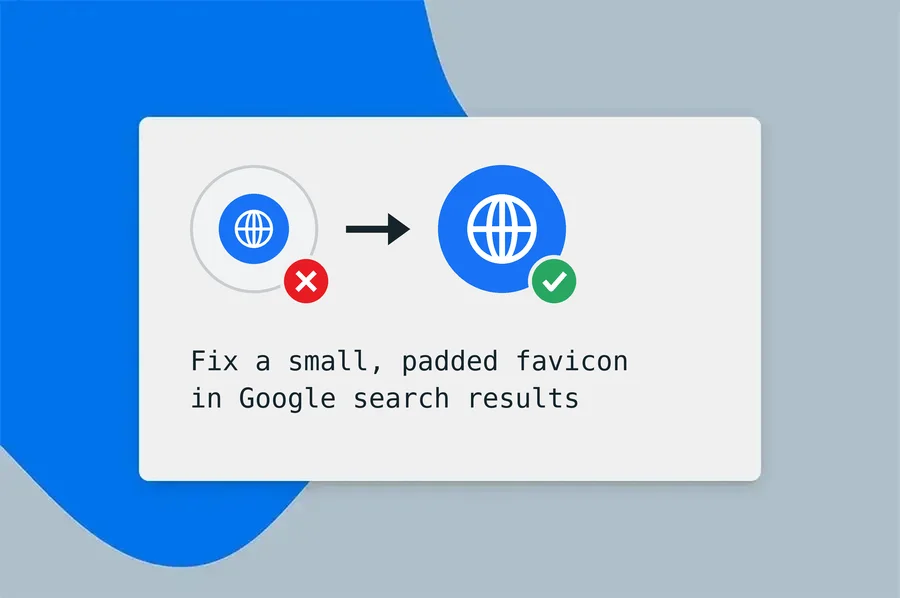
Why does my WordPress favicon look smaller than other sites in Google?
A small WordPress favicon (site icon) in Google search results is a display problem where your icon sits shrunk inside its circle instead of filling it. It often comes from icon tags whose declared sizes don’t match the real files, and you can fix it with a square 512x512px PNG icon and a short code…
-
·
How to fix the WP HTTP Error: cURL error 60: SSL certificate problem: unable to get local issuer certificate
cURL error 60 is an SSL error WordPress shows when it can’t verify a server’s certificate, usually because an older install’s CA bundle is outdated. Fix it by replacing wp-includes/certificates/ca-bundle.crt with the latest cacert.pem from curl.se, or update core. cURL error 77 means WordPress can’t read that file: restore it and set it to 644.
-
·
WordPress doesn’t send emails after 6.9 update
WordPress not sending emails after the 6.9 update is a deliverability problem in which WordPress sets the envelope sender from your From address, and servers reject mail that SPF, DKIM and DMARC don’t authorize. Some sites log a “Could not instantiate mail function” error. The best fix is an SMTP plugin with SMTP2GO.
-
·
Why disable WP-Cron in WordPress and how to set up server-side cron jobs
WP-Cron is the WordPress task scheduler that runs scheduled tasks only when someone visits your site, so they can run late or pile up. Disable it with define(‘DISABLE_WP_CRON’, true); in wp-config.php, then trigger wp-cron.php from a server cron job or WP-CLI.
-
·
How to fix WordPress database error Commands out of sync
Commands out of sync is a MySQL database error that appears in WordPress when queries on the same database connection run out of order. It’s usually blamed on plugins or corrupted tables, but on our client’s site a bot flood was exhausting the connection pool. We blocked the pattern with an .htaccess rule.
-
·
How to fix the WordPress upload error: Unexpected response from the server
Unexpected response from the server is a WordPress upload error that appears when the server rejects or fails to process a file you add to the Media Library. Allow the missing file type with an upload_mimes snippet, then raise upload_max_filesize, post_max_size and memory_limit, and check folder permissions.
-
·
How to fix the White Screen of Death (WSOD) and WordPress critical error
The WordPress White Screen of Death is a blank page with no error message, and “There has been a critical error on this website” is the more helpful version WordPress has shown since 5.2. Both come from a plugin conflict, a theme issue, a PHP error or an exhausted memory limit. Enable WP_DEBUG_LOG to find…
-
·
How to debug a WordPress fatal error
A WordPress fatal error is a PHP error that stops your site from loading. Depending on your host’s settings, you see a detailed error message, a 500 Internal Server Error or a blank white screen. To find the exact file and line, set WP_DEBUG to true in wp-config.php and read wp-content/debug.log, or check your server’s…
-

·
How to increase PHP memory limit in WordPress (fix memory exhausted error)
The PHP memory limit is the maximum memory a WordPress script can use, and the “Allowed memory size exhausted” fatal error means a plugin, theme or script needed more than your server allows. Add define(‘WP_MEMORY_LIMIT’, ‘256M’); to wp-config.php, or set memory_limit in php.ini, .htaccess or your hosting control panel. If the error comes back, raise…
-

·
How to fix WordPress errors: messages, codes and fixes
A WordPress error is a message or blank page that appears when a plugin, theme, PHP version or server setting stops WordPress from loading. Fix it in three steps: back up your site, find the real error in your recovery mode email, debug log or PHP error log, then fix what it points to.
-

·
WordPress down? How to fix and prevent downtime in 2026
If your WordPress site is down, first check that it’s down for everyone with a tool like DownDetector, then clear your browser cache and try another network. Common causes are plugin or theme conflicts, a PHP version change, memory limits, database errors, an expired domain or wrong DNS records. A recent backup can bring it…